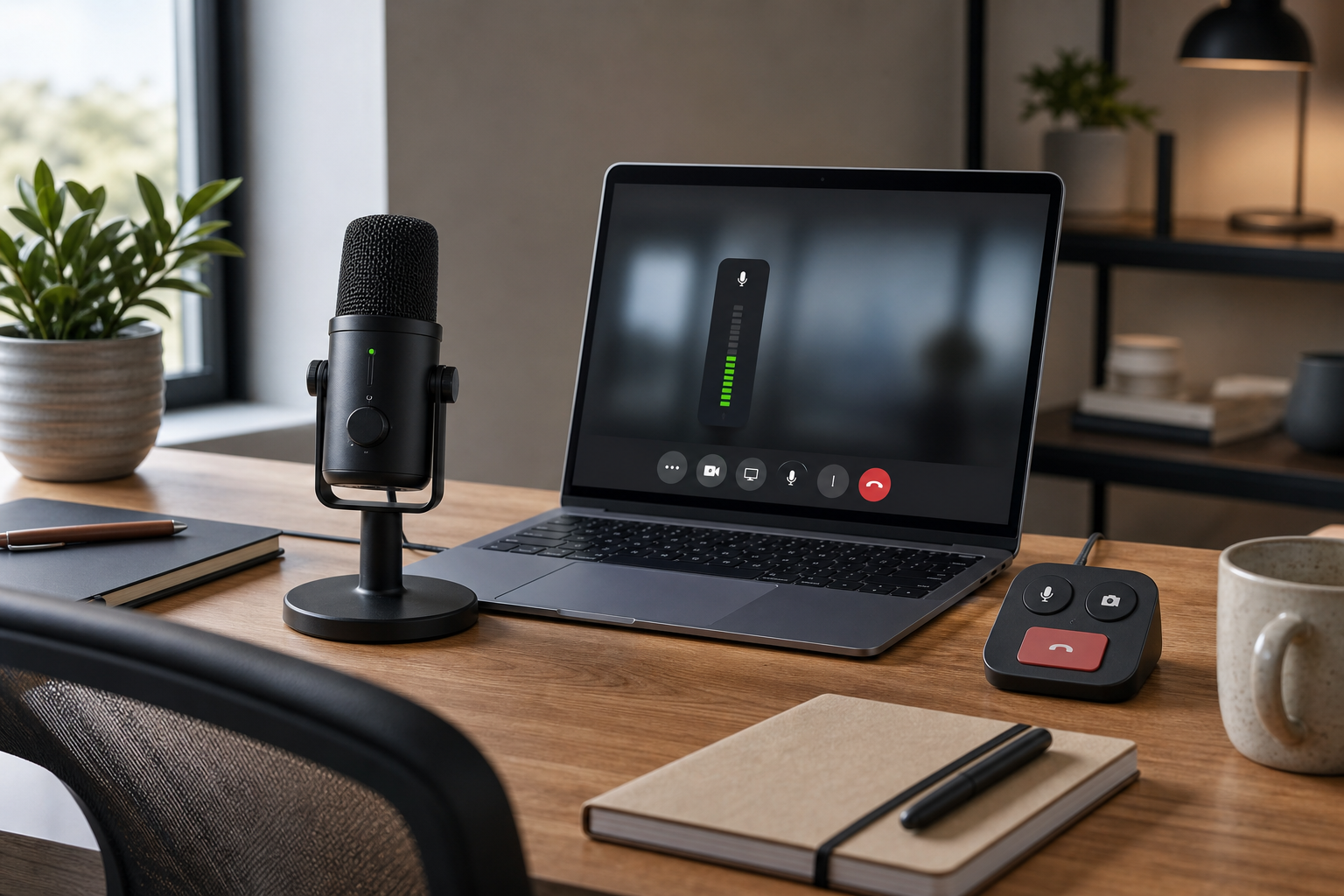
Microphone Volume Booster for Meetings: Host Fix Guide
2026-05-29
Use a microphone volume booster safely in Zoom, Teams, or Google Meet with a practical workflow for input gain, OS settings, and meeting reliability.
Use a microphone volume booster safely in Zoom, Teams, or Google Meet with a practical workflow for input gain, OS settings, and meeting reliability.

Fix a MacBook camera not working in Zoom, Teams, or Google Meet with a practical host workflow for permissions, app conflicts, browser access, and hardware checks.
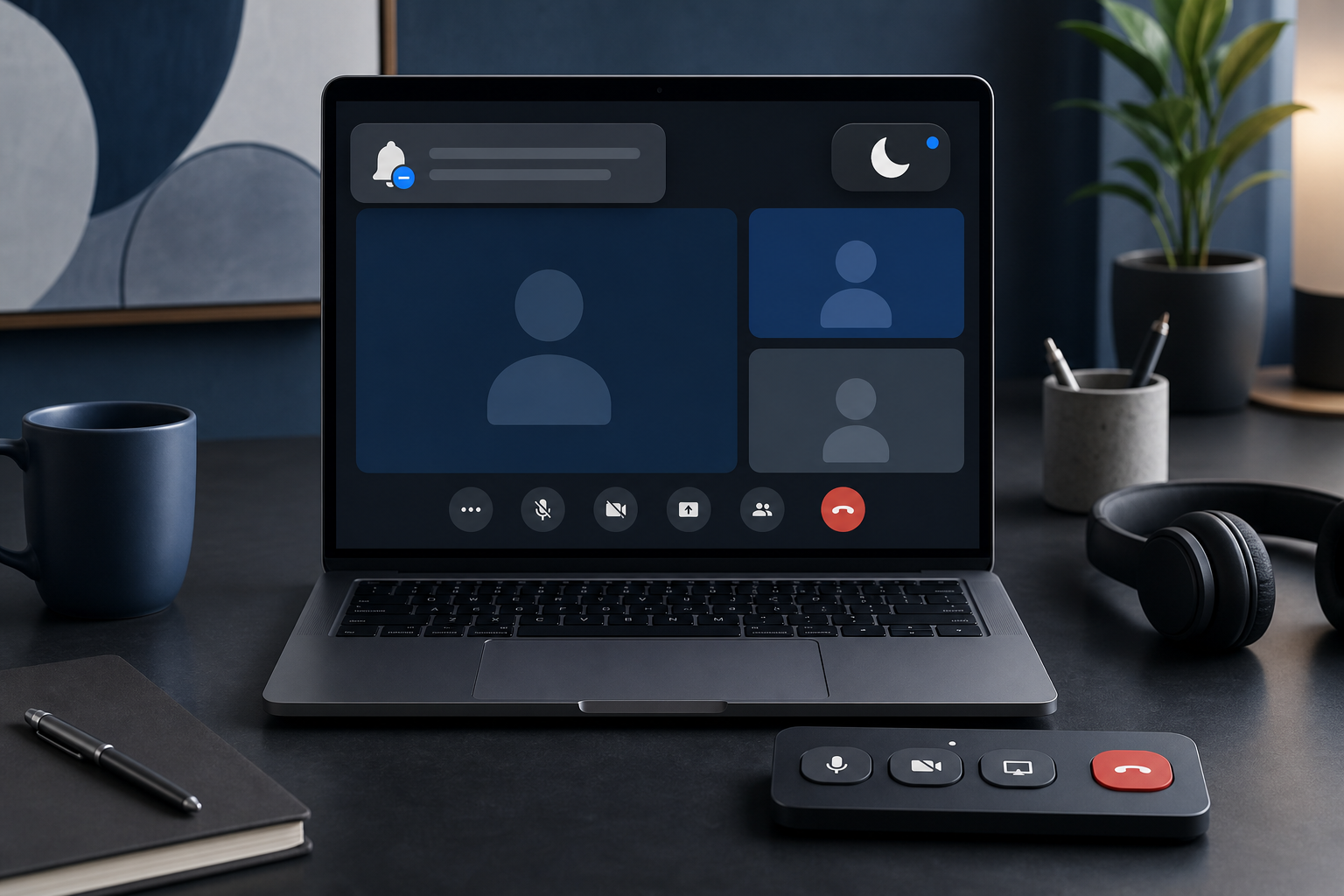
Use Do Not Disturb during meetings with a practical host workflow for cleaner presentations, fewer notification leaks, and calmer call control.
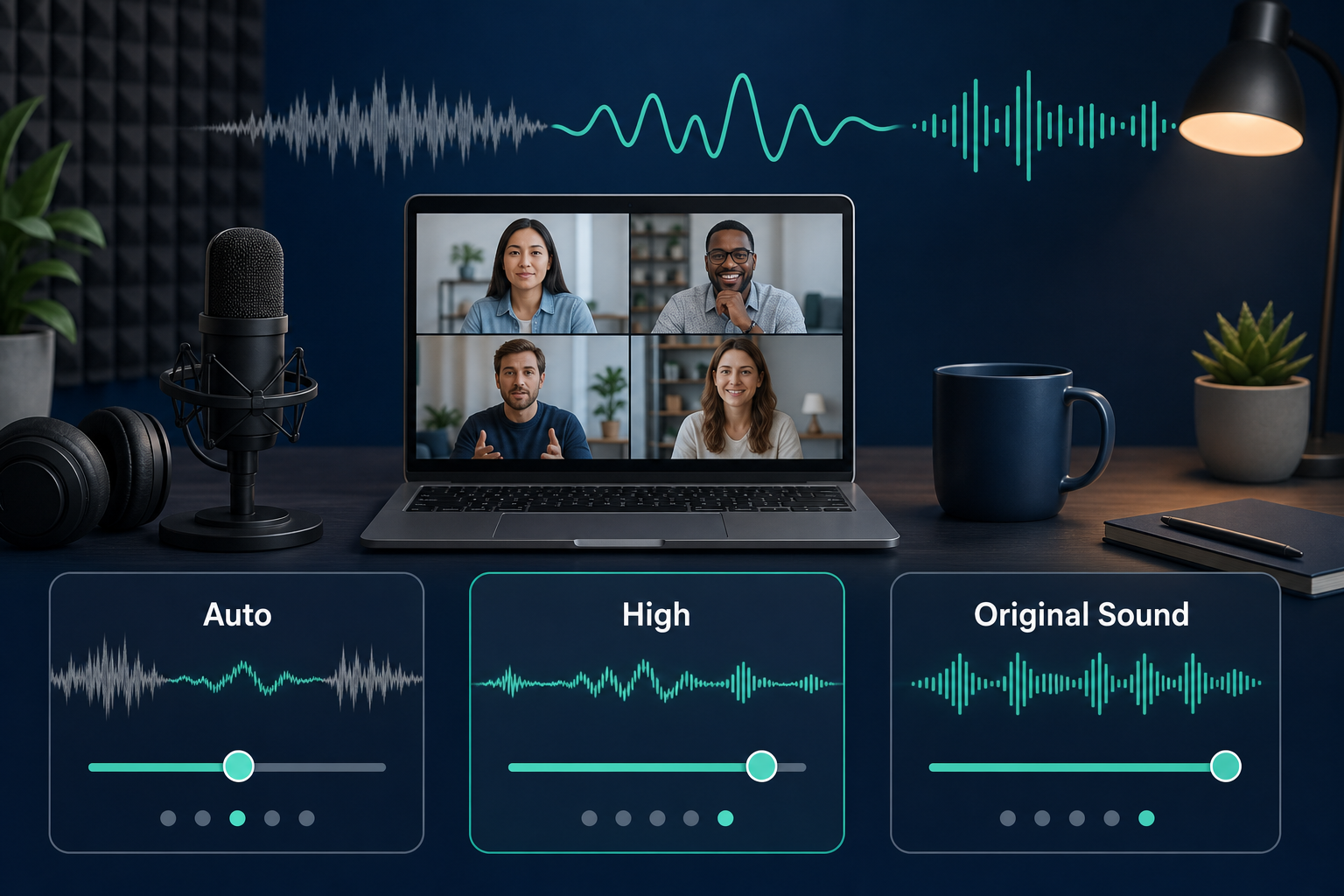
Configure Zoom noise suppression settings with a practical host workflow for cleaner speech, fewer distractions, and reliable meeting audio.
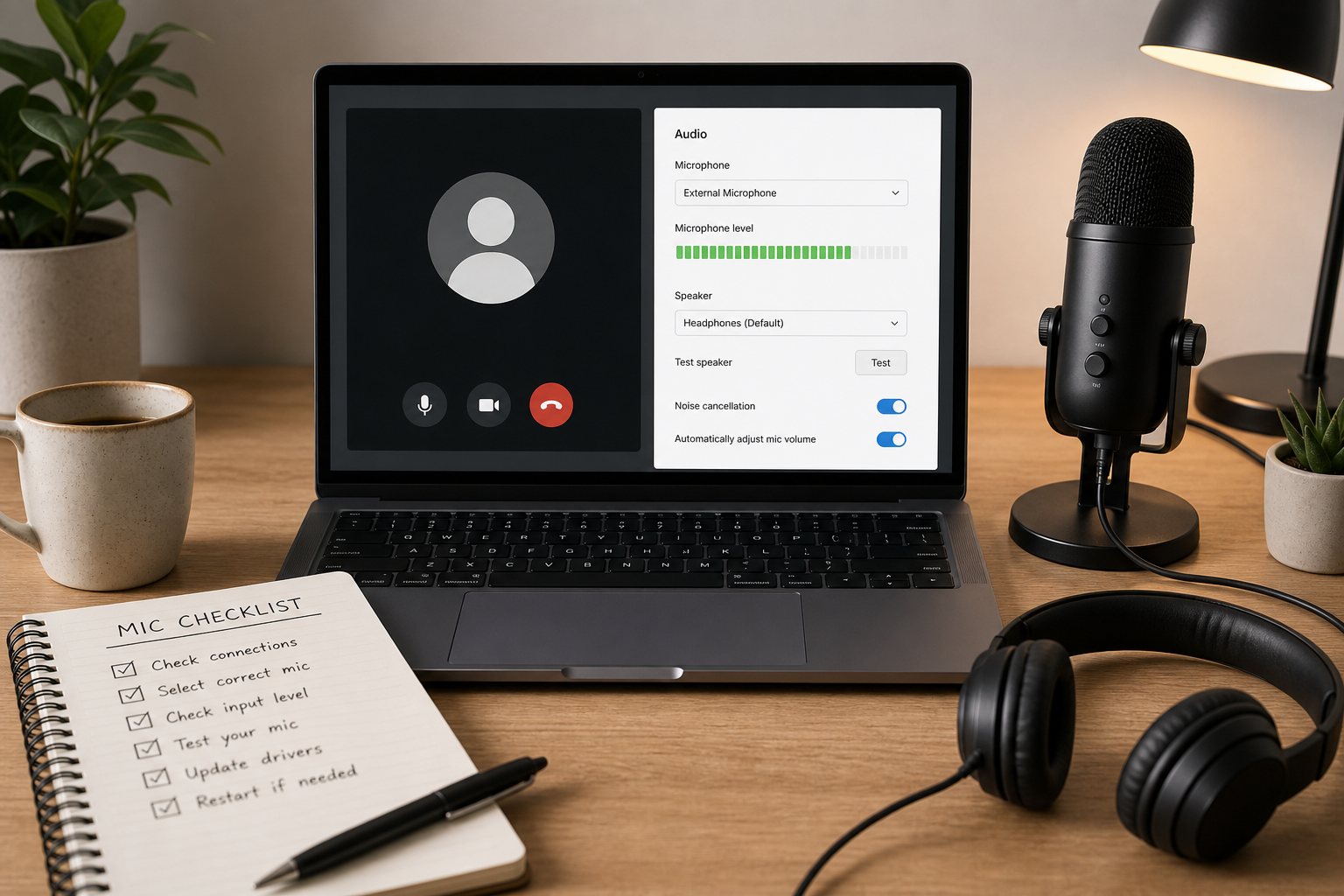
A practical host workflow to diagnose and fix Google Meet microphone failures across permissions, device routing, browser policy, and network conditions.
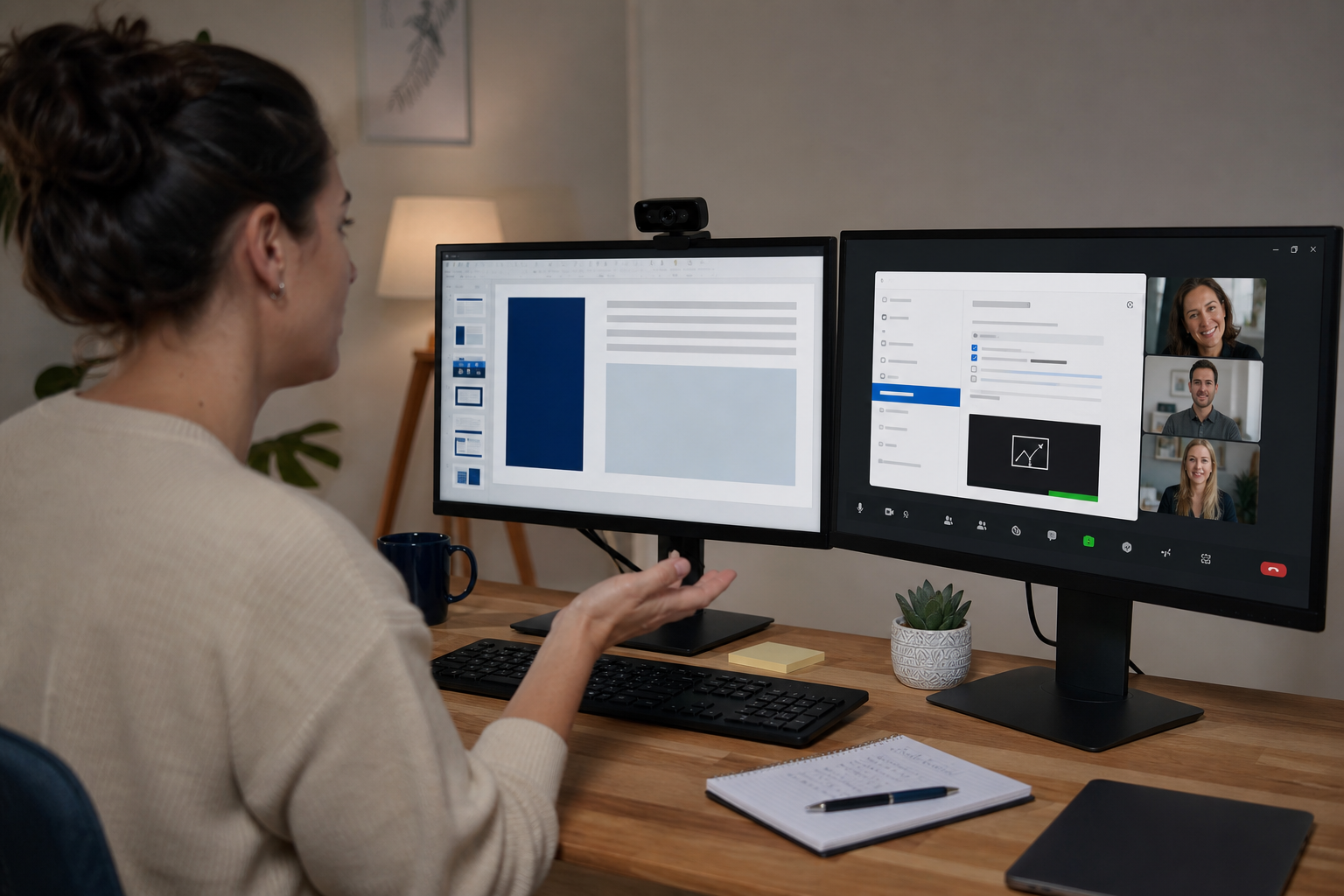
A practical troubleshooting workflow for fixing Zoom screen sharing failures, black screens, audio share issues, and host permission blocks.
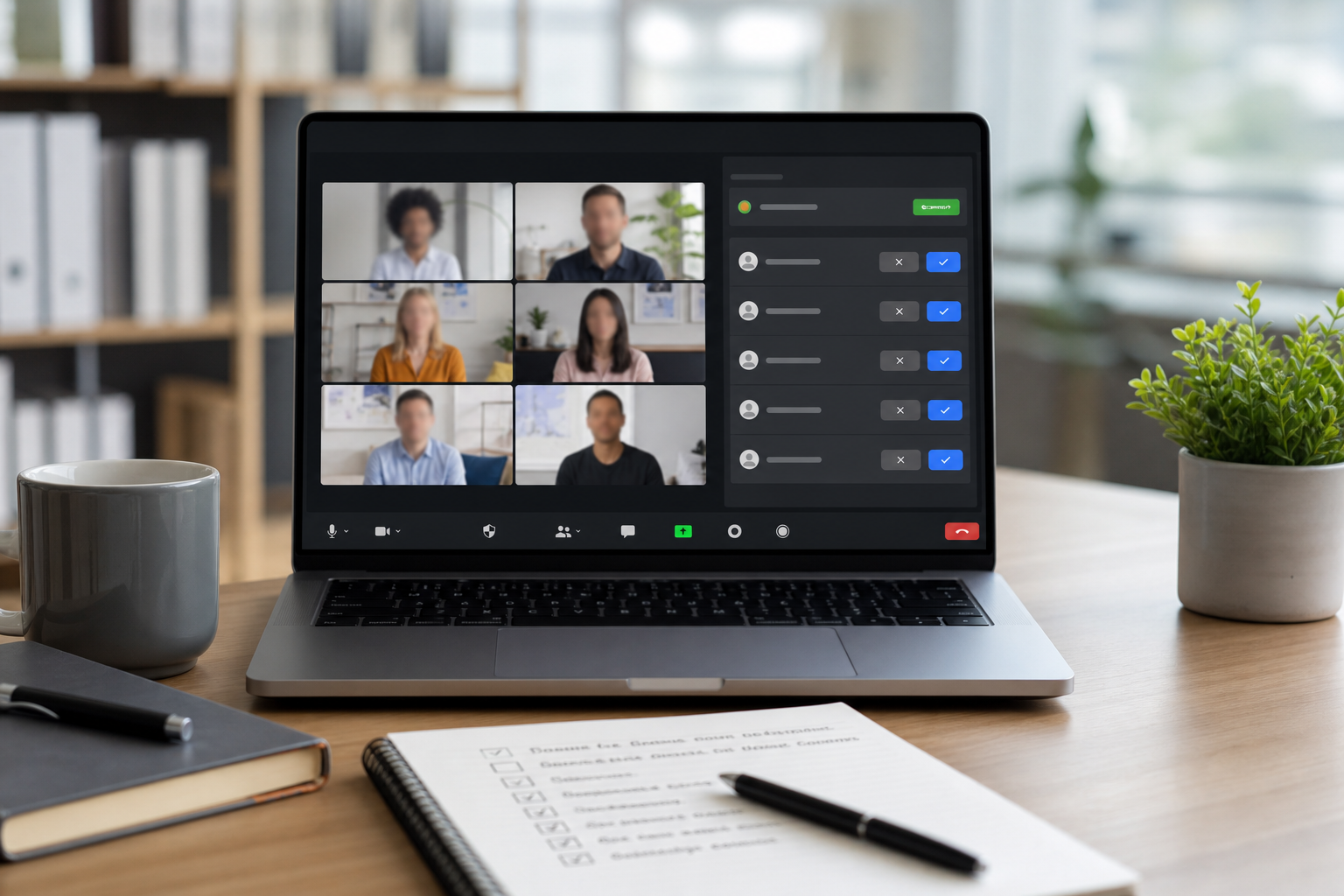
Configure Zoom waiting room settings with a practical host runbook that improves admission speed, reduces disruption, and keeps meeting access under control.
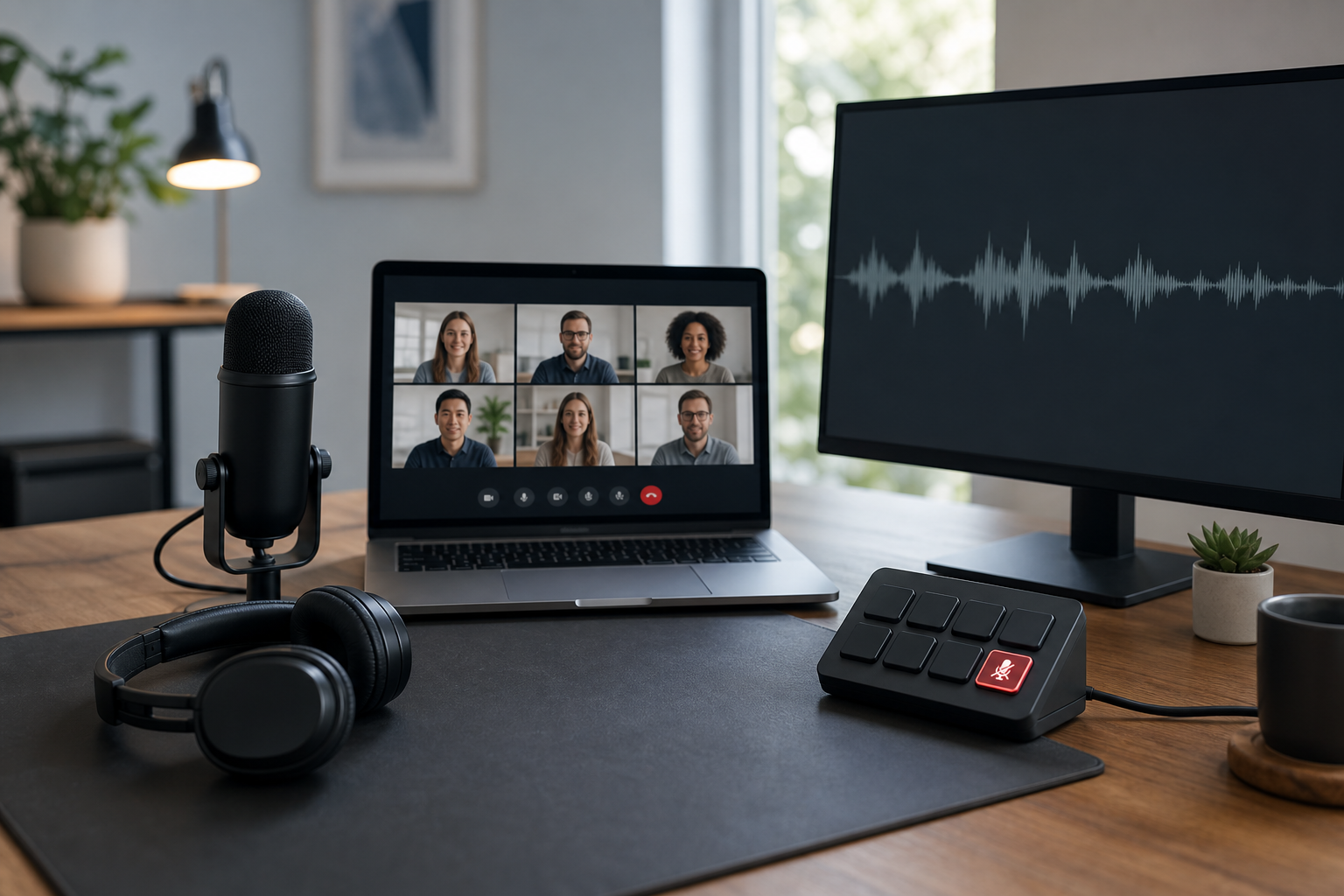
Stop echo in Microsoft Teams by isolating the feedback source, fixing device routing, and applying a repeatable mute workflow for hosts and operators.
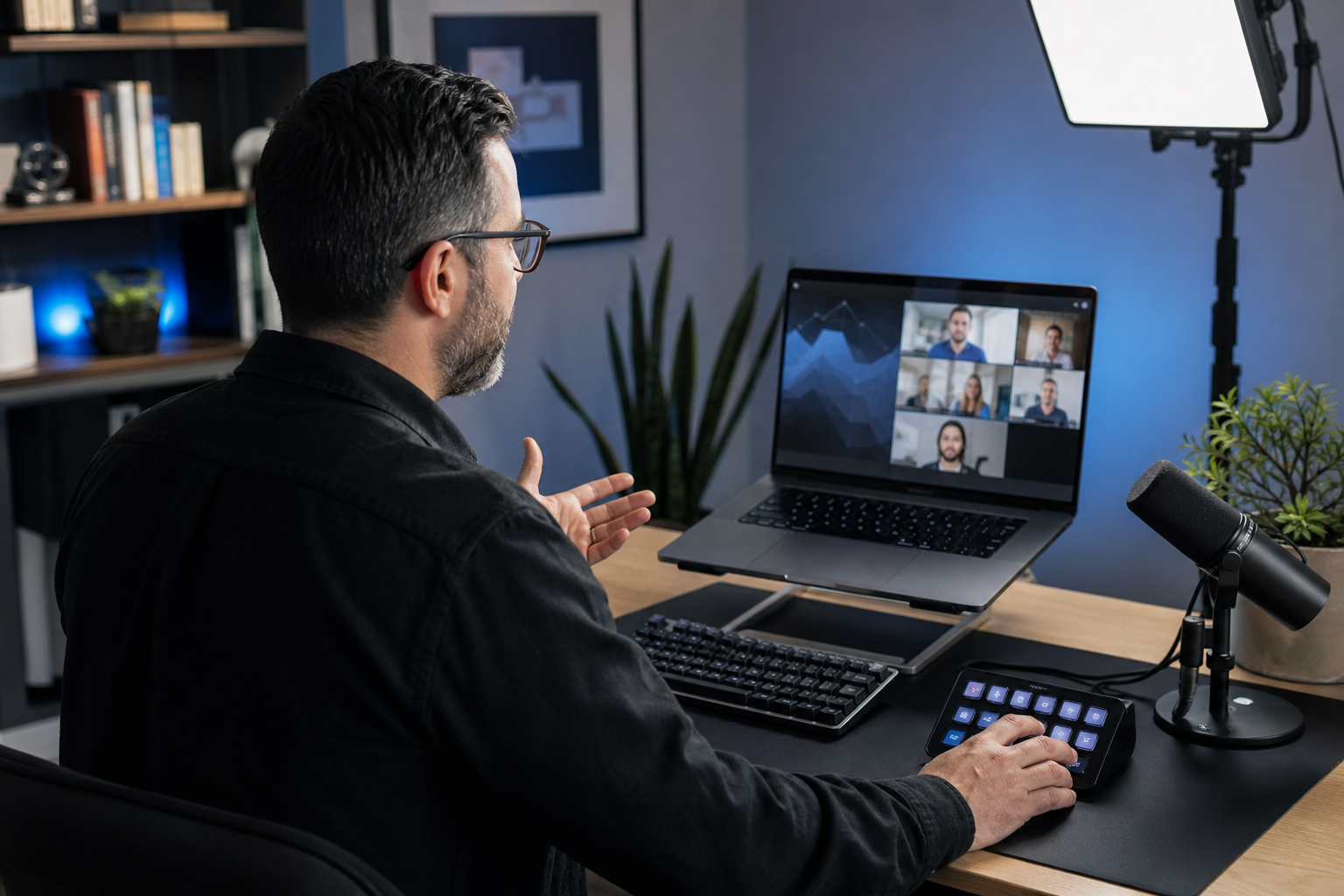
Teams keyboard shortcuts help hosts control mute, camera, screen sharing, and chat without hunting for buttons. This guide gives a practical shortcut runbook for fast and reliable meetings.
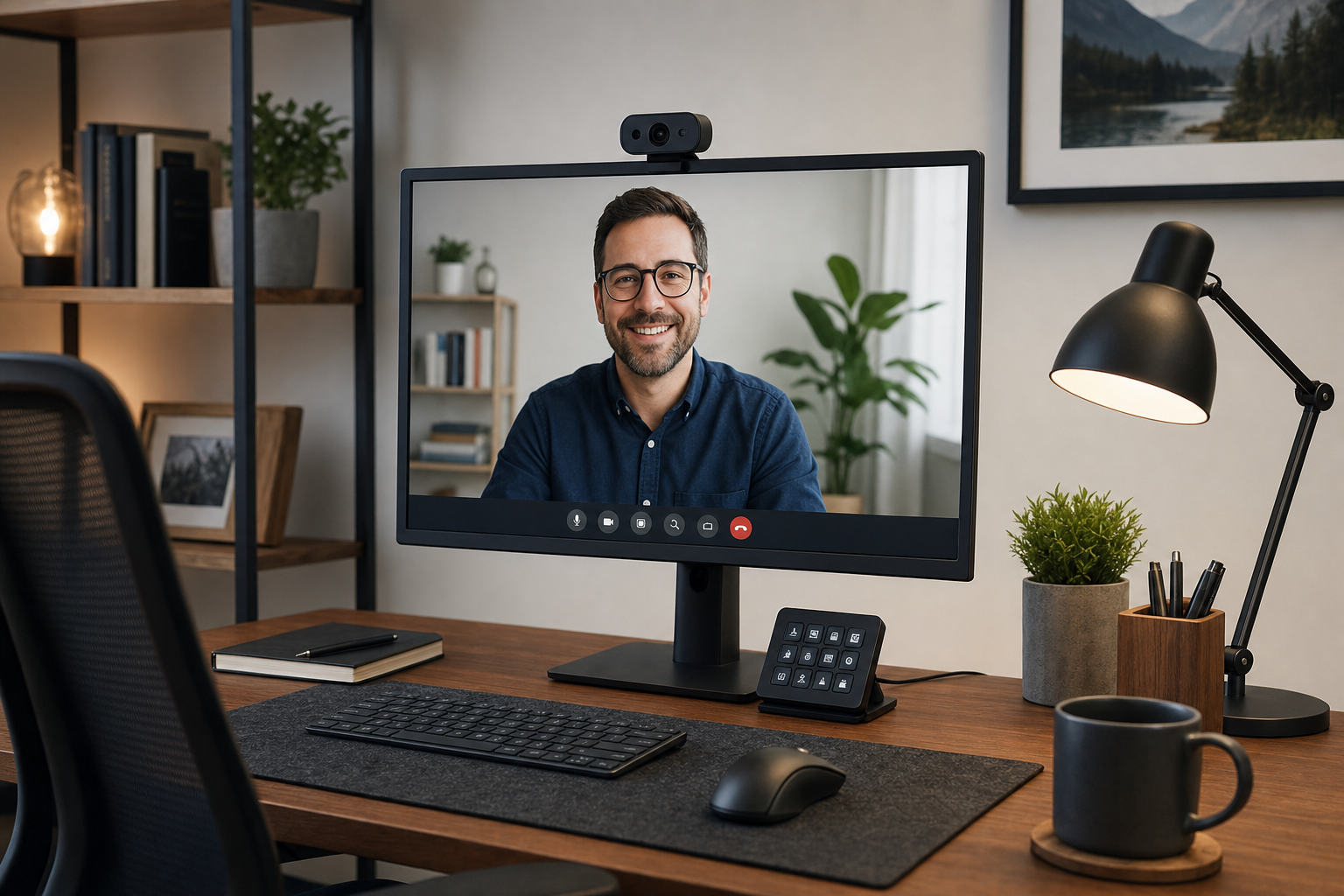
Logitech camera not detected in Zoom, Teams, or Meet usually comes from USB path, privacy permissions, driver state, or app lock. This guide gives a fast diagnosis path and a stable host setup.
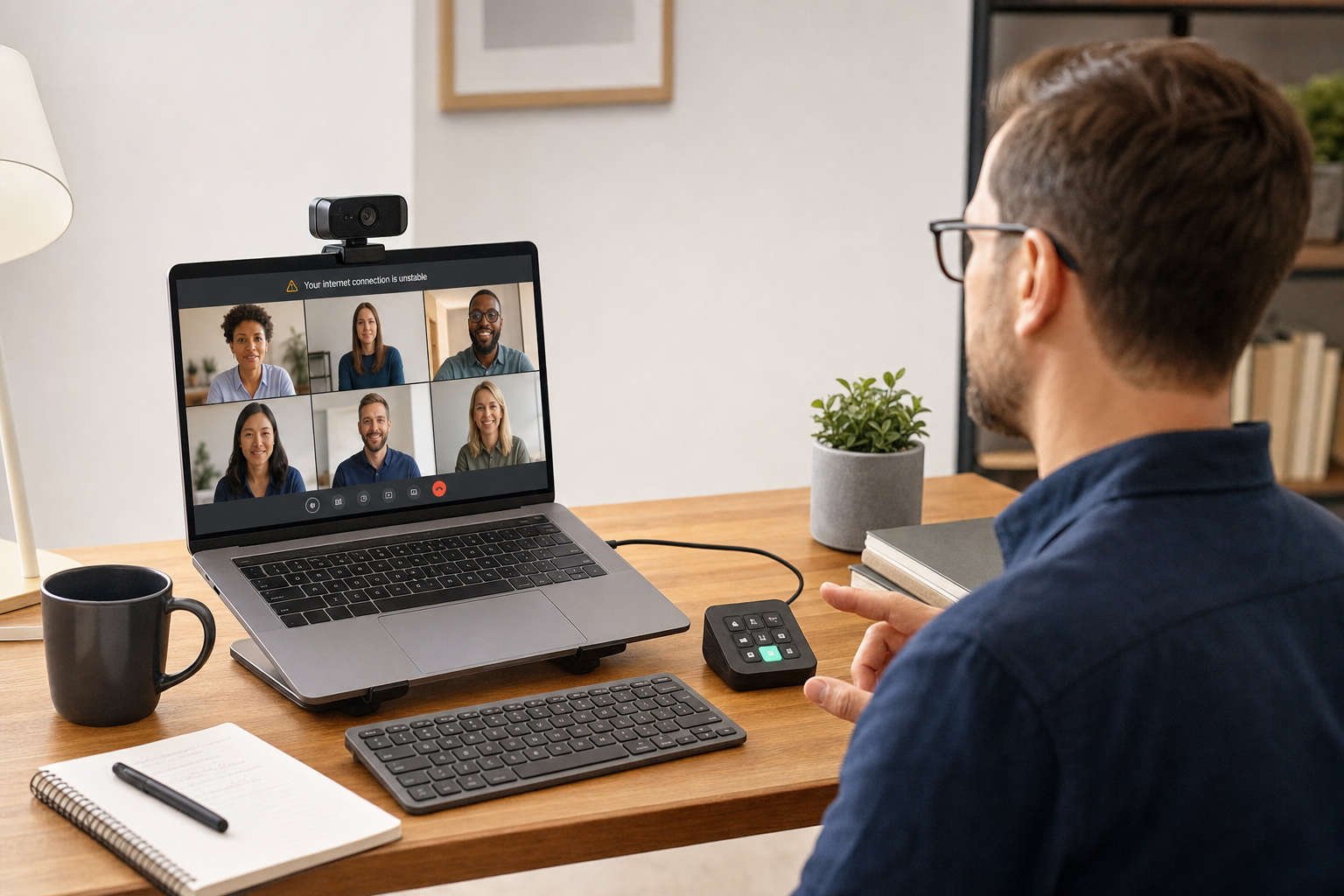
A practical, meeting focused guide to fix unstable internet warnings in Zoom, Teams, and Google Meet, with a repeatable checklist and setup tips for MuteDeck users.
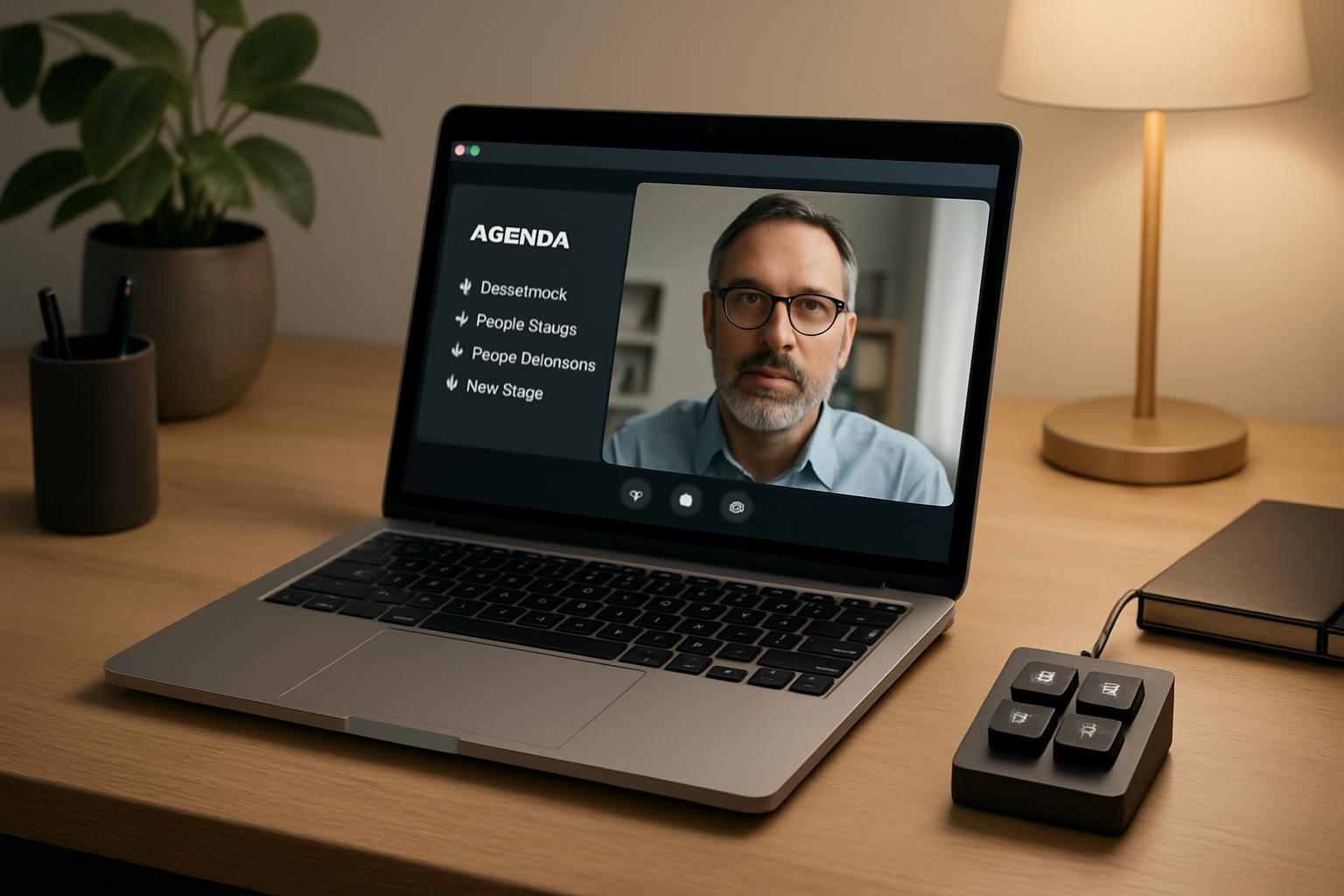
Use a practical agenda-for-team-meeting template with control points for Zoom, Teams, and Meet so hosts can keep discussion on track without constant interruption.
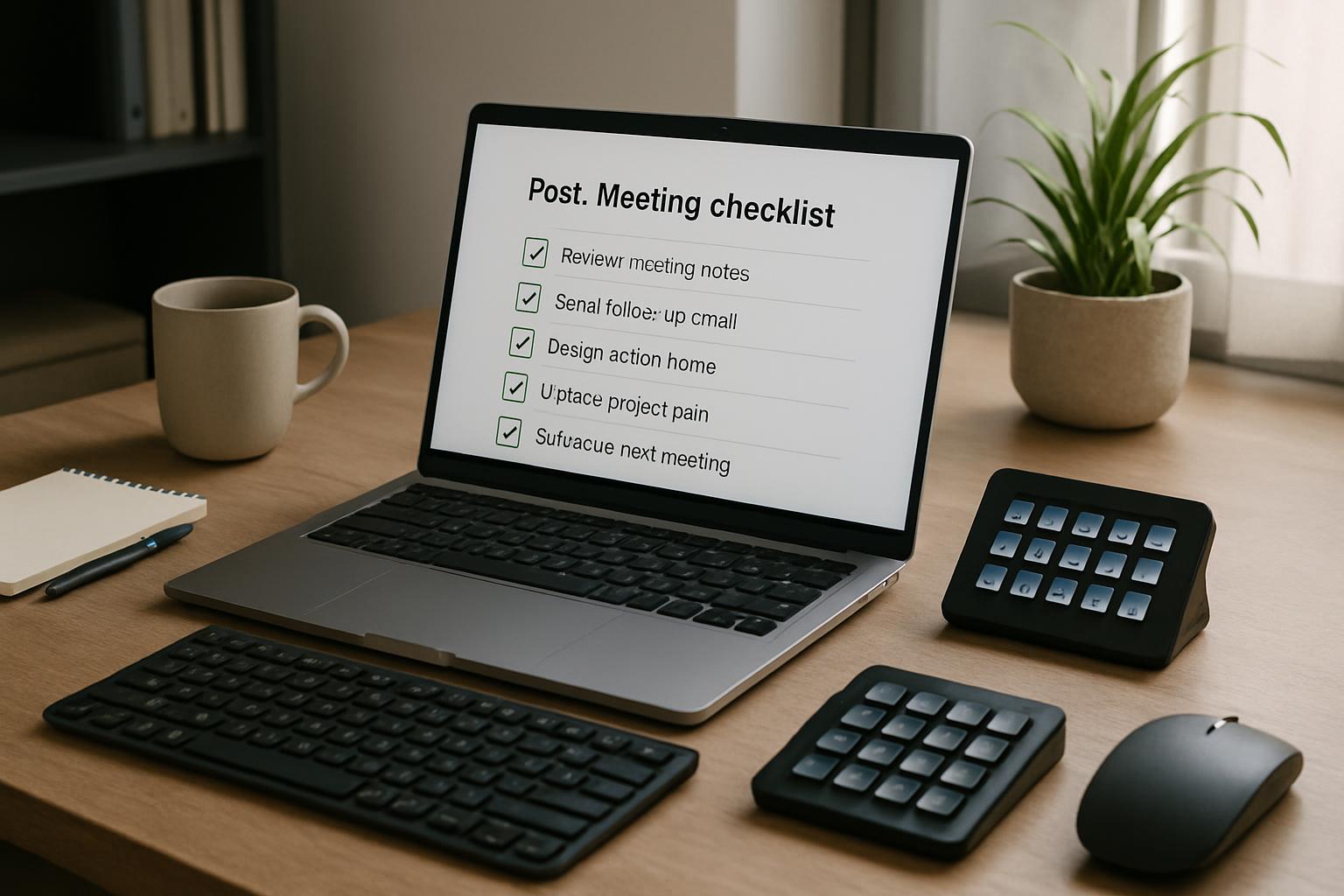
A practical post meeting workflow template for hosts and team leads using Zoom, Teams, or Meet with MuteDeck to close meetings faster and cleaner.
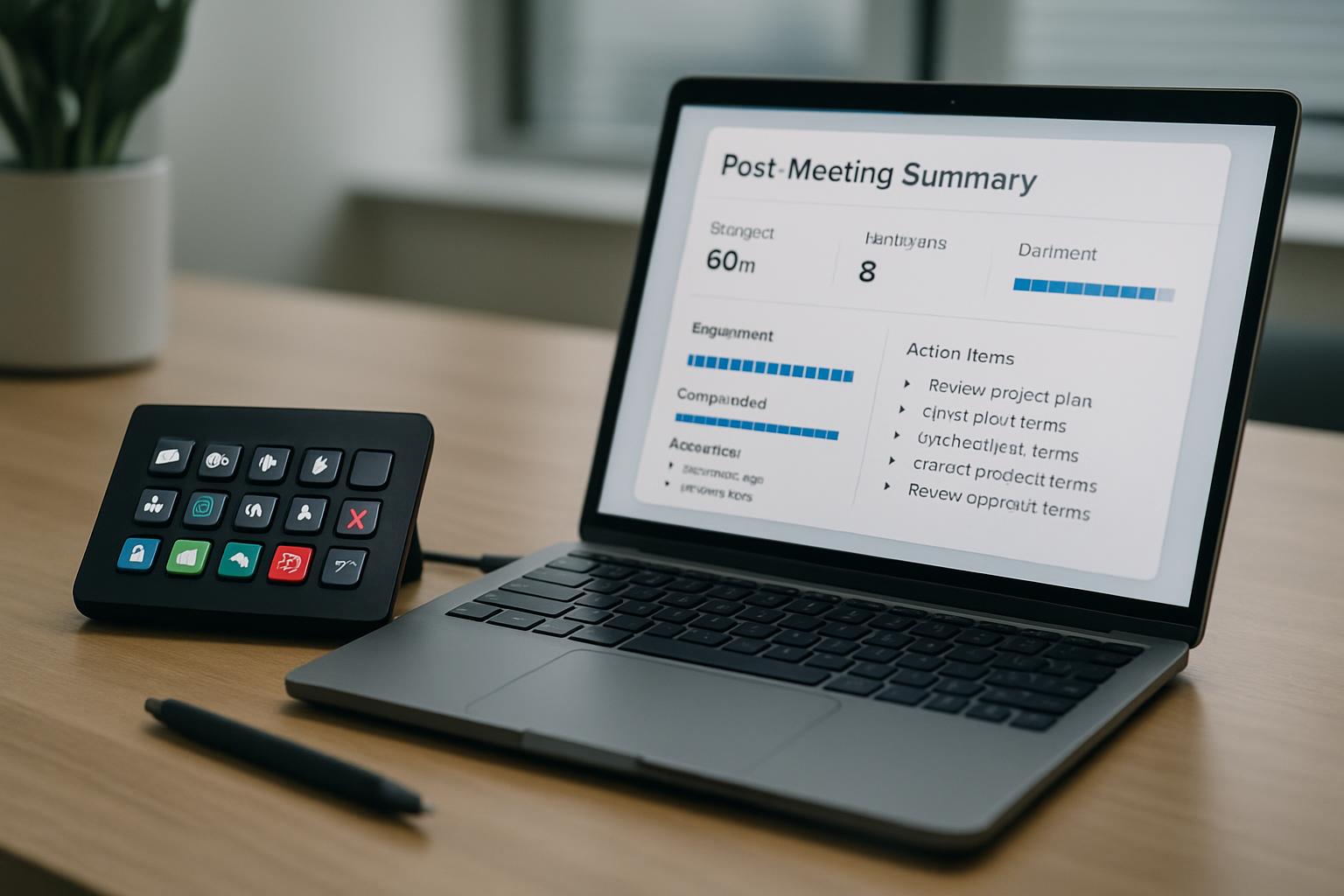
A practical post-meeting report workflow for hosts and presenters that connects in-meeting control moments to clear action items, owners, and follow-up timing.
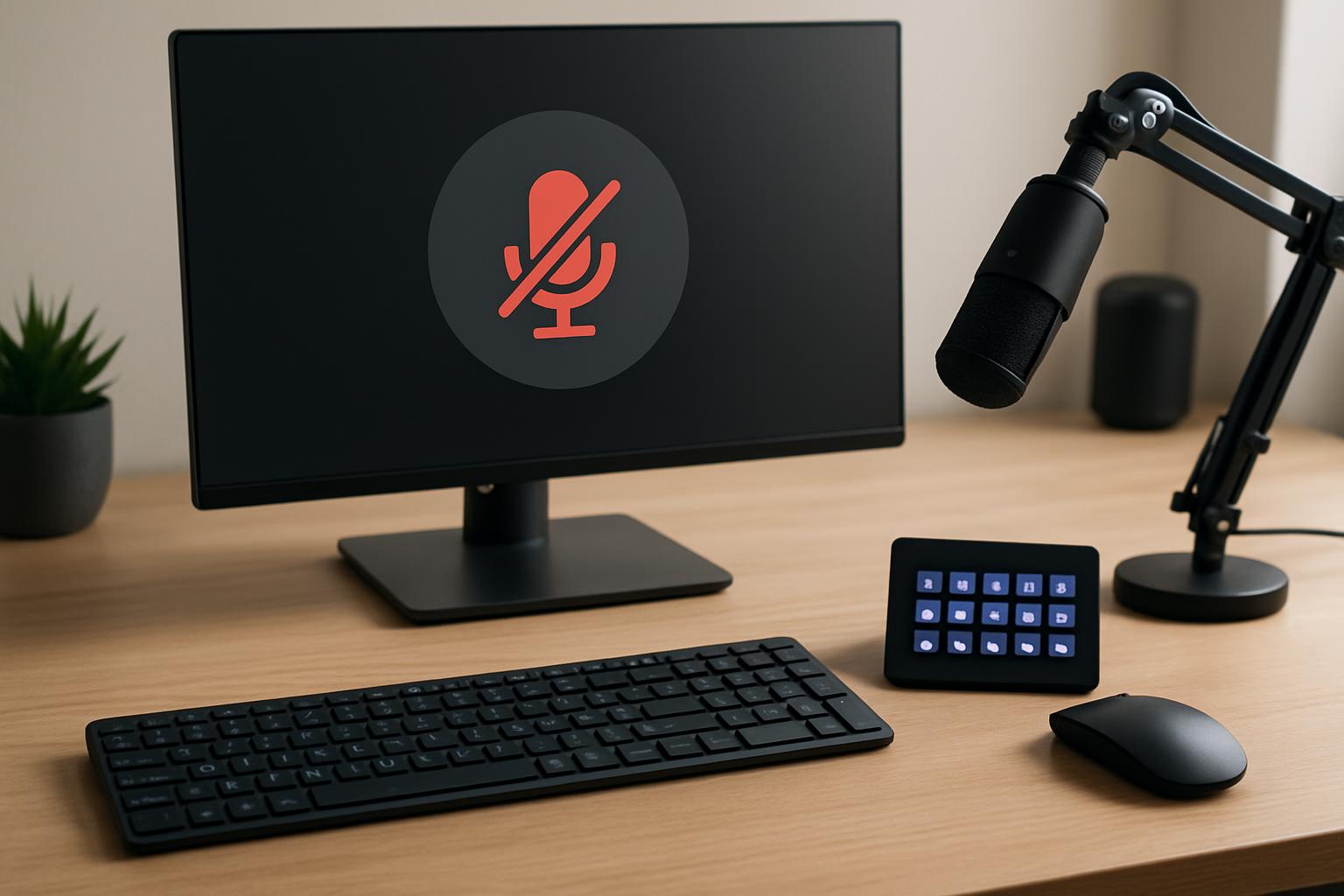
A practical meeting-control workflow for hosts to prevent accidental always-on microphone moments in Zoom, Teams, and Google Meet.
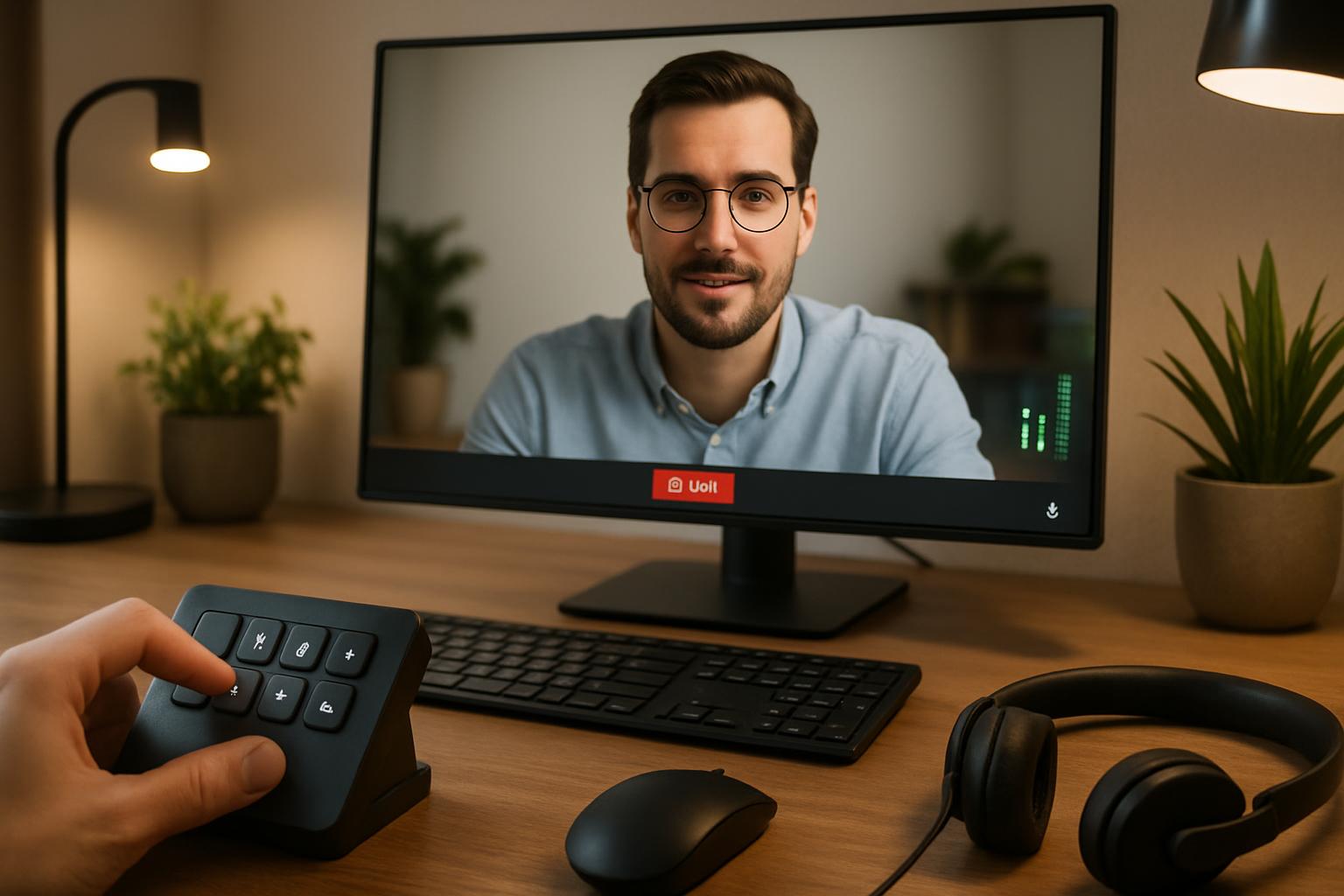
A practical operator workflow to raise mic volume for Zoom, Teams, and Google Meet without introducing clipping, pumping, or inconsistent levels.
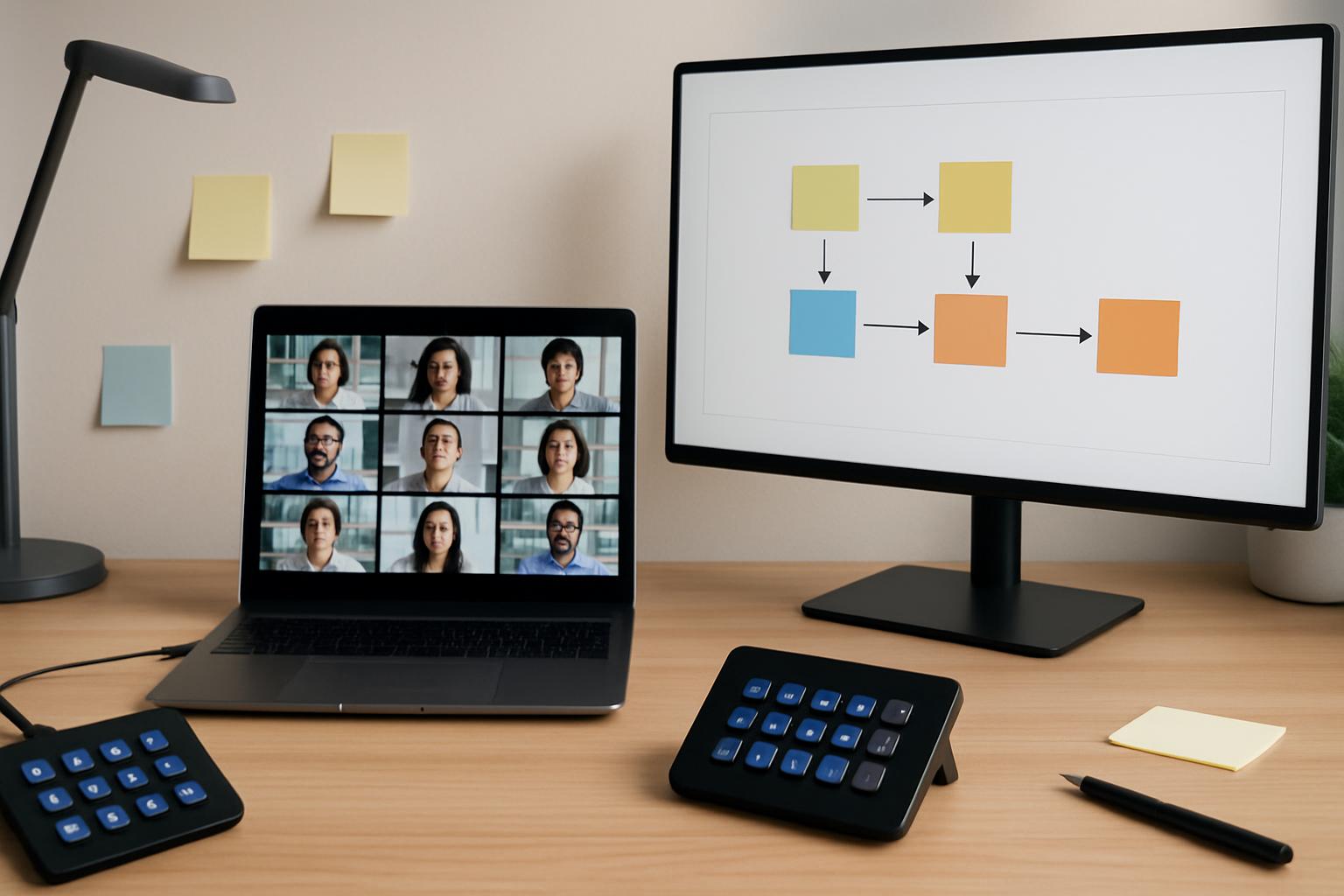
Run remote workshops with fewer stalls by pairing a visual board with explicit meeting-control workflows across Zoom, Teams, and Google Meet.
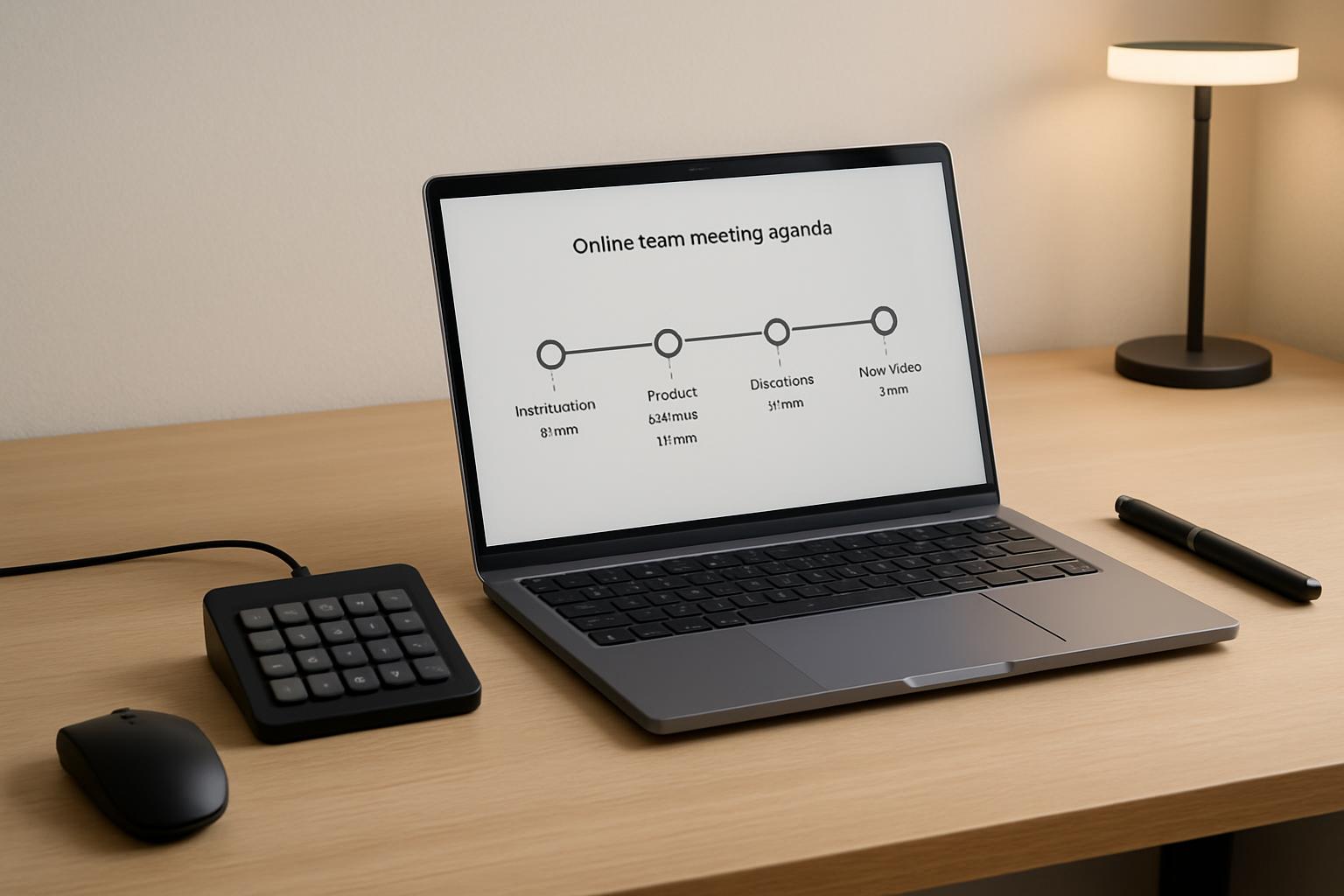
Use this practical agenda template to run tighter team meetings with clear owner actions, timed control cues, and fewer awkward tool handoffs.
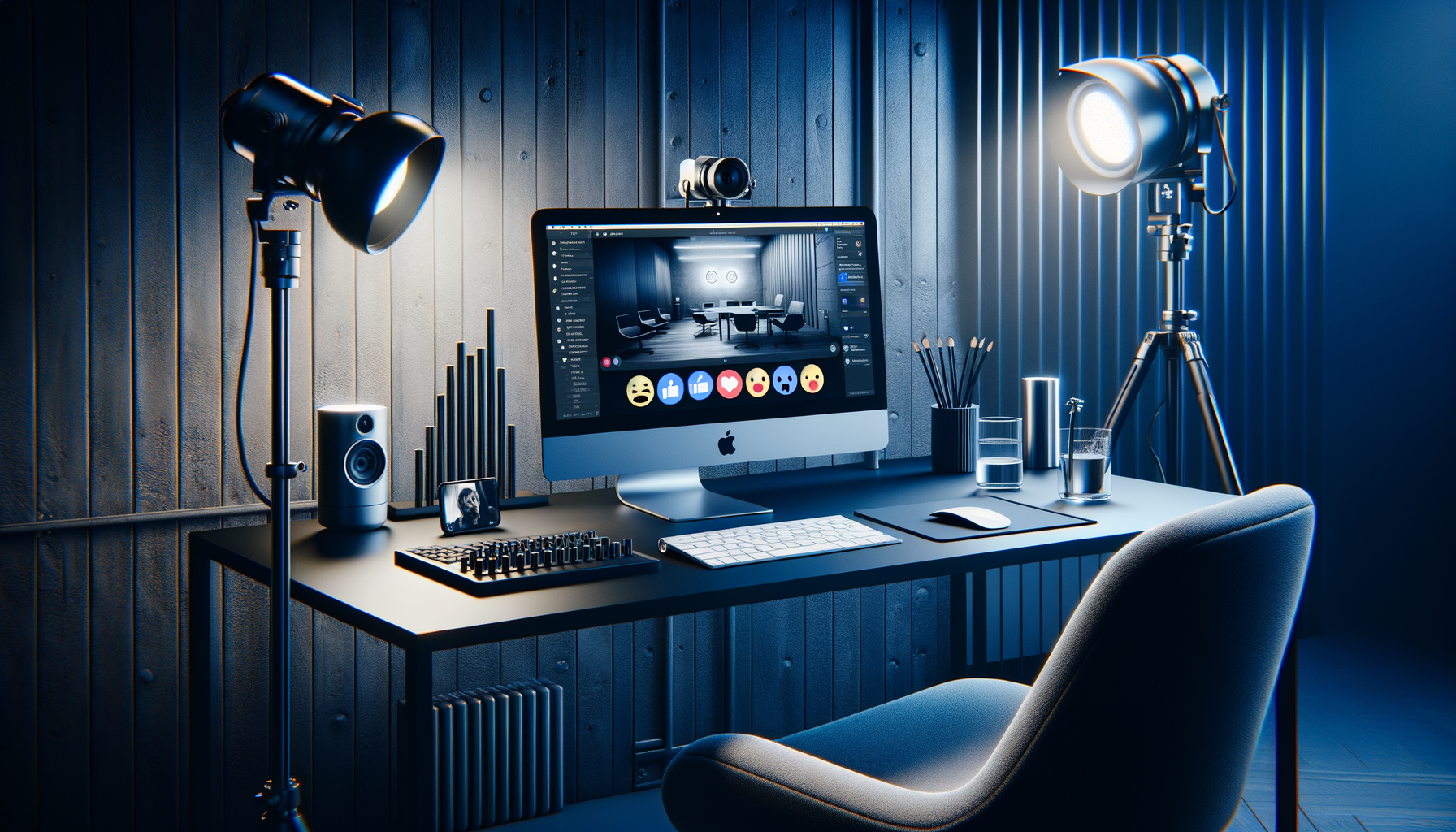
MuteDeck v4.7 adds FaceTime support on macOS and reactions for browser meetings in Google Meet, Teams Web, and Zoom Web.
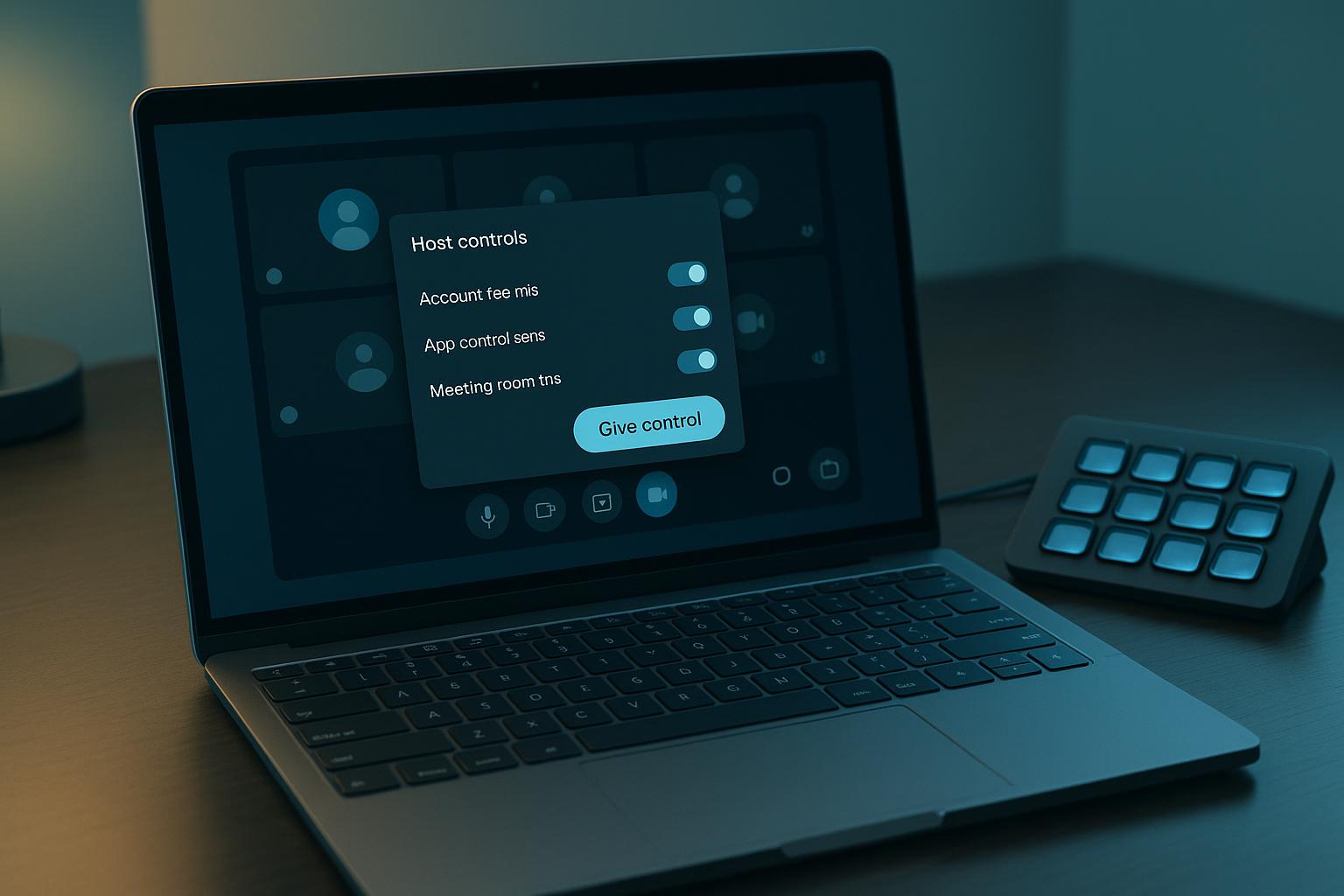
A practical host workflow for using Google Meet handovers without losing meeting flow, with a decision framework, concrete scenario, and fallback controls.